Small businesses don’t just need a phone line anymore — they need a communication system that works from anywhere, supports their team, and keeps customers from falling through the cracks. That’s exactly where VoIP steps in. The right VoIP features can help a small team operate like a large one: smarter call routing, clearer conversations, better tracking, and real flexibility without the cost or complexity of traditional phone hardware.
But not every VoIP platform is built the same. Some come packed with features you’ll never use. Others leave out essentials your business actually depends on. This guide cuts through the noise and breaks down the features that matter most for small businesses in 2026.
Voice over Internet Protocol (VoIP): A Quick Overview
Before we dive into must-have features, let’s set the foundation:
What is VoIP, and why does it matter?
VoIP — Voice over Internet Protocol — lets you make and receive calls using the internet instead of copper phone lines. That shift seems simple, but it changes everything. With VoIP, your phone system becomes:
- Flexible across devices (laptops, mobile apps, desktops)
- Less expensive to maintain
- Easier to scale as your team grows
- Packed with features that traditional phone systems simply can’t offer
And here’s the real advantage: VoIP isn’t just phone service. It’s a comprehensive communication layer that supports call routing, auto-attendants, voicemail-to-email, smart forwarding, analytics, and integrations that directly tie into your CRM or help desk. The FCC provides a helpful overview of VoIP standards and requirements for businesses adopting internet-based phone systems.
If you’ve ever wondered, “What features does VoIP have?” or “Which VoIP features are must-haves for small businesses?”, the answer starts here — VoIP gives you the modern communication toolkit traditional phone systems never could.
To see how small businesses already use messaging to improve customer communication, check out our guide on boosting SMS customer engagement.
What Makes a Good VoIP System?
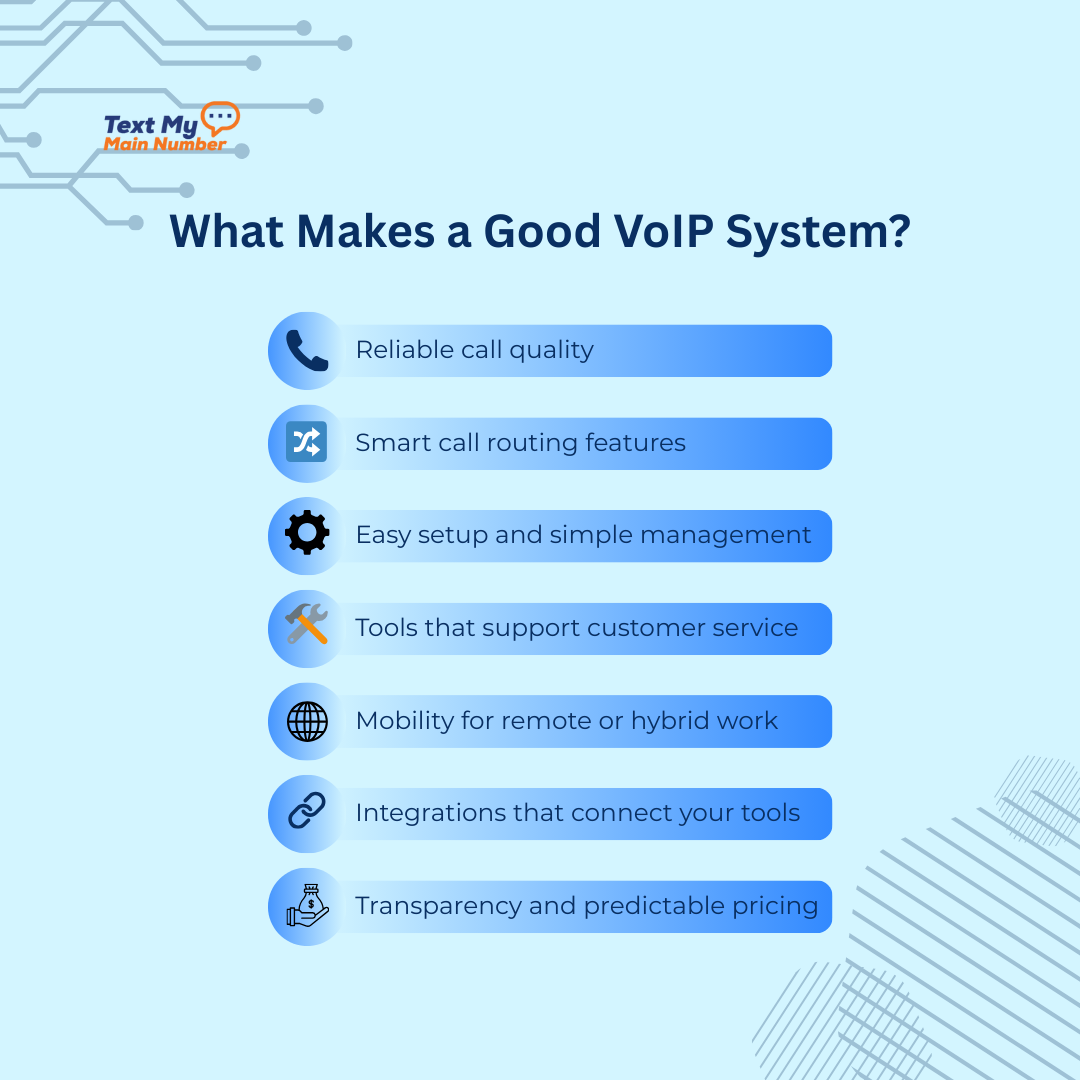
A VoIP system isn’t just about making calls over the internet — it’s about how well it supports your business in real time. The best platforms share a few traits that small businesses feel immediately: reliability, clarity, and features that actually solve everyday communication problems.
1. Reliable call quality
If a call drops, lags, or sounds muffled, nothing else matters. A good VoIP system prioritizes stability and clear audio, even when your internet connection isn’t perfect. And because communication failures can cost real revenue, it’s worth reviewing how businesses handle issues like failed payment notifications, which often rely on reliable phone and SMS systems.
2. Smart call routing features
Small teams need flexibility. Whether it’s forwarding calls to a mobile phone, rotating calls between team members, or creating schedules by business hours, call routing should feel effortless. A customer should never hit a dead end.
3. Easy setup and simple management
You shouldn’t need an IT department to run your phone system. A strong VoIP platform is simple to configure, easy to manage, and designed for teams who don’t want to wrestle with technical settings.
4. Tools that support customer service
VoIP isn’t just about internal communication. Your system should help your customers reach the right person quickly. Features like IVR menus, voicemail transcription, and caller ID history make every interaction smoother.
5. Mobility for remote or hybrid work
Your business shouldn’t collapse when someone works from home. A good VoIP system keeps your team reachable from anywhere — laptop, desktop, or mobile — without exposing personal numbers.
6. Integrations that connect your tools
Your phone system should speak the same language as your CRM, help desk, or lead management software. Integrations save time, improve tracking, and eliminate manual work.
7. Transparency and predictable pricing
Small businesses need clarity. No hidden fees, no per-minute surprises, no confusing upgrade paths. A good VoIP provider makes costs easy to understand.
Essential VoIP Features for Small Businesses in 2026

Most small businesses don’t need hundreds of features — they need the right ones. The tools below are the backbone of a modern VoIP phone system, and they’re the features that directly impact customer experience, call flow, and day-to-day operations.
These are the must-haves for 2026.
1. Call Forwarding
Call forwarding lets your business stay reachable even when you’re away from the desk. You can route calls to a mobile phone, another team member, or a backup line. For small teams, this is the difference between a missed call and a new customer.
2. IVR / Auto-Attendant
An IVR menu (“Press 1 for Sales, Press 2 for Support”) keeps calls organized and makes your business feel structured and professional. Small teams use IVR to route calls automatically instead of answering everything manually.
3. Business Hours Routing
Your phone should behave differently during business hours, evenings, and weekends. Business hours routing lets you direct calls to voicemail, an after-hours line, or an on-call team member — without lifting a finger.
4. Voicemail to Email
Voicemail-to-email turns missed calls into quick, easy follow-ups. The voicemail audio and transcription land right in your inbox so you can respond immediately, even when you’re on the go.
5. Caller ID & Contact History
Knowing who’s calling — and what the last conversation was about — helps you respond with context instead of guessing. This is especially useful for service businesses, medical practices, sales teams, and support desks.
6. Call Queueing
If you get multiple calls at the same time, a queue keeps callers from hearing a busy tone. This feature organizes incoming calls until a team member becomes available, improving professionalism and reducing customer frustration.
7. Mobile & Desktop Apps
Flexibility matters. With VoIP apps, your team can make and receive calls from their laptop or mobile phones while displaying the business number. It keeps work and personal communication cleanly separated.
8. Team Extensions
Even small teams benefit from internal extensions. It creates a sense of structure and makes it easier for customers to reach the right person without navigating a complicated menu.
9. Call Routing Features (Hunt Groups, Round Robin, Skills-Based Routing)
Smart call routing determines who receives incoming calls based on workload, skill, or order. This ensures customers always reach the best person available. Small teams use routing to distribute calls evenly and avoid bottlenecks.
10. Unlimited Calling
Unexpected per-minute charges are budget killers. Unlimited calling lets small businesses communicate freely without worrying about usage.
Advanced Features (Call Recording, Analytics, Integrations)
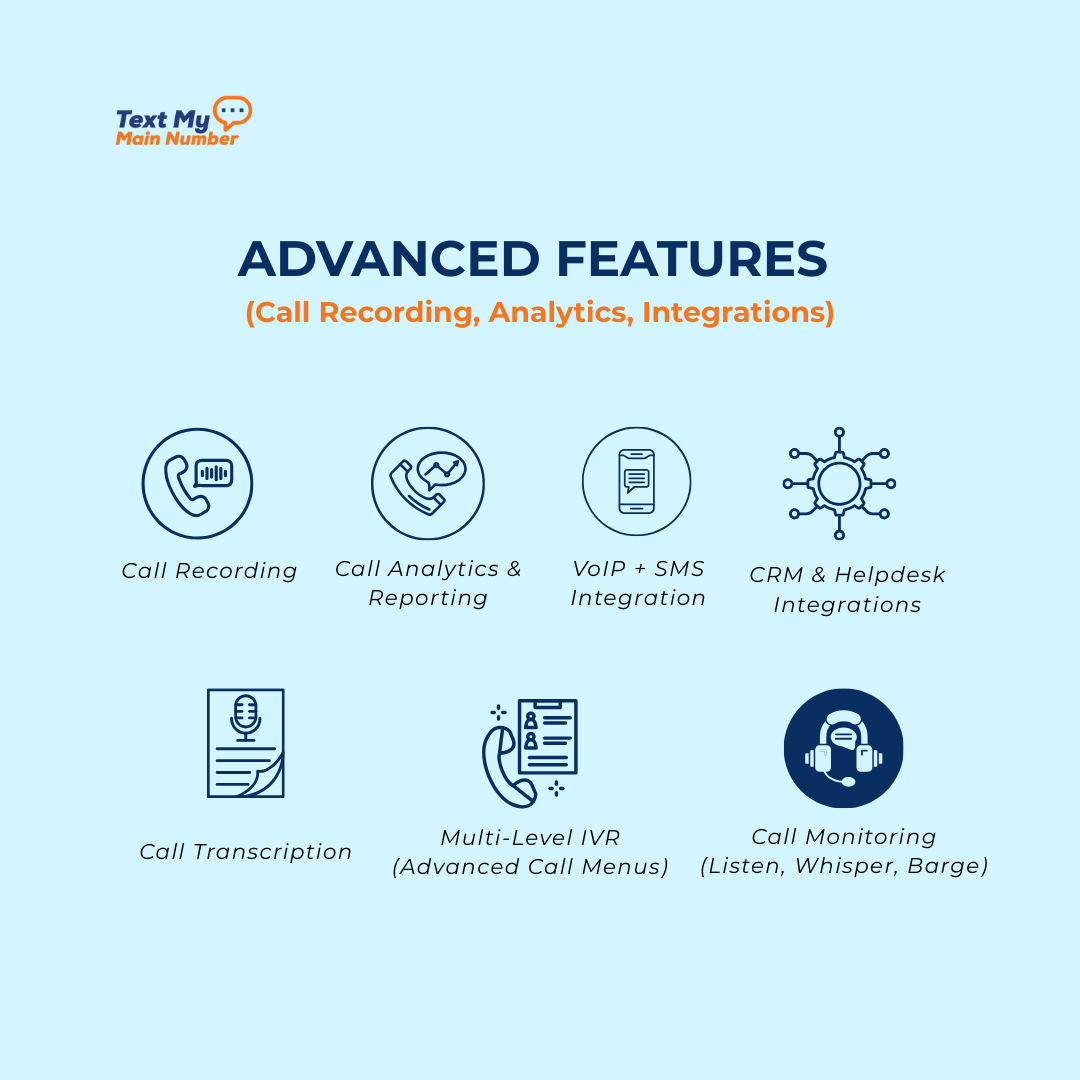
Once you’ve covered the essentials, the next layer of VoIP features is what helps a small business operate with the sophistication of a much larger team. These advanced tools improve quality, give you visibility into performance, and automate the tasks that normally slow businesses down.
These aren’t “nice-to-haves” anymore — they’re real competitive advantages.
1. Call Recording
Call recording gives you a complete, accurate history of conversations. It’s useful for training, quality checks, and resolving disputes without relying on memory. For service businesses, sales teams, and support desks, recordings help spot patterns and improve how your team communicates.
2. Call Analytics & Reporting
Analytics turn your call activity into insights. Missed calls, response times, call volume trends, and peak hours — all of these metrics help you make better decisions. Small businesses use this data to staff more efficiently, identify bottlenecks, and understand how customers interact with their team. For businesses that send text updates or reminders, make sure your system aligns with 10DLC registration requirements so messages deliver reliably alongside your VoIP calls.
3. CRM & Helpdesk Integrations
When your phone system connects directly to your CRM or support platform, everything becomes easier. Calls can automatically log to customer profiles, tickets can open instantly, and conversations get more context. No more switching tabs or typing notes manually — integrations pull everything together in one place.
4. Call Transcription
AI-powered transcription turns spoken conversations into searchable text. This is especially useful for follow-ups, compliance, and training. It also speeds up note-taking — your team can focus on the caller instead of typing during the conversation.
5. Multi-Level IVR (Advanced Call Menus)
As your business grows, you may need more than a simple “Press 1 for Sales” menu. Multi-level IVR lets you build structured menus that guide customers exactly where they need to go. It reduces manual transfers and improves the caller experience.
6. VoIP + SMS Integration
Customers don’t just call anymore — they text. When your VoIP system pairs with SMS inside a single platform, your team can manage both channels without switching tools. You get consistent communication across calls and texts, and customers get faster replies.
7. Call Monitoring (Listen, Whisper, Barge)
These features let managers coach team members in real time.
- Listen: hear the call without the customer knowing
- Whisper: coach the agent privately during the call
- Barge: join the call if needed
This is especially helpful for training new staff or supporting a growing support team.
Features That Save Time & Money for Small Teams
Small businesses run on tight schedules and tighter margins. The right VoIP features don’t just improve communication — they free up hours, reduce costs, and keep your team focused on real work instead of administrative busywork. These tools are the quiet efficiency boosters that make a small team operate like a larger, more organized one. When customers miss calls, they often turn to text, so improving your messaging workflows — like those in our Thanksgiving message templates — can help maintain warm customer relationships.
1. Auto-Reply & Missed-Call Texts
When you miss a call, that customer shouldn’t disappear. Automated missed-call texts instantly acknowledge the caller and offer an alternate way to reach you. It prevents lost leads and keeps conversations moving without requiring your team to be glued to the phone.
2. Shared Team Inboxes
With a shared inbox for calls and texts, any team member can jump in and help. This removes bottlenecks and makes it easier to ensure no customer is left waiting because one person is unavailable.
3. Call Routing Based on Availability
Instead of ringing someone who’s in a meeting or off shift, smart routing sends calls to the first available team member. It reduces wait times, avoids voicemail ping-pong, and keeps response times consistent.
4. VoIP Mobile Apps
Your team can work from anywhere — without using personal numbers. Mobile apps keep everyone reachable on the go, which eliminates the need for extra phones, desk hardware, or complicated forwarding setups.
5. Automated Schedules & Holiday Hours
Changing hours for holidays, weather disruptions, or special events shouldn’t require manual updates. Automated schedules let you set rules once and trust that your system will route calls correctly every time.
6. Virtual Numbers for Departments or Campaigns
You can spin up new numbers for sales, support, marketing campaigns, or locations without buying new hardware. It’s cost-effective and makes tracking more precise.
7. Softphones (Computer-Based Calling)
Softphones let your team handle calls directly from a laptop. This eliminates the need for desk phones and reduces equipment costs — especially useful for remote or hybrid teams.
8. Simple Scalability
Need to add a user? Remove one? Change routing? A good VoIP platform lets you scale with a few clicks instead of expensive installation fees or technical delays.
Wrapping Up
VoIP isn’t just a modern upgrade; it’s the communication backbone small businesses rely on to stay responsive, organized, and competitive. The right VoIP features help your team answer calls faster, route customers to the right person, track conversations, and work from anywhere without missing a beat. When these tools come together, your phone system stops being a cost center and becomes a real advantage for your business.
If you want a VoIP platform built for small teams — simple to use, packed with essential features, and designed to work alongside your texting, routing, and customer communication — Text My Main Number VoIP brings everything together in one place.
See how modern business communication should feel.
Start your 14-day free trial.

.svg)